01Free · AppSource
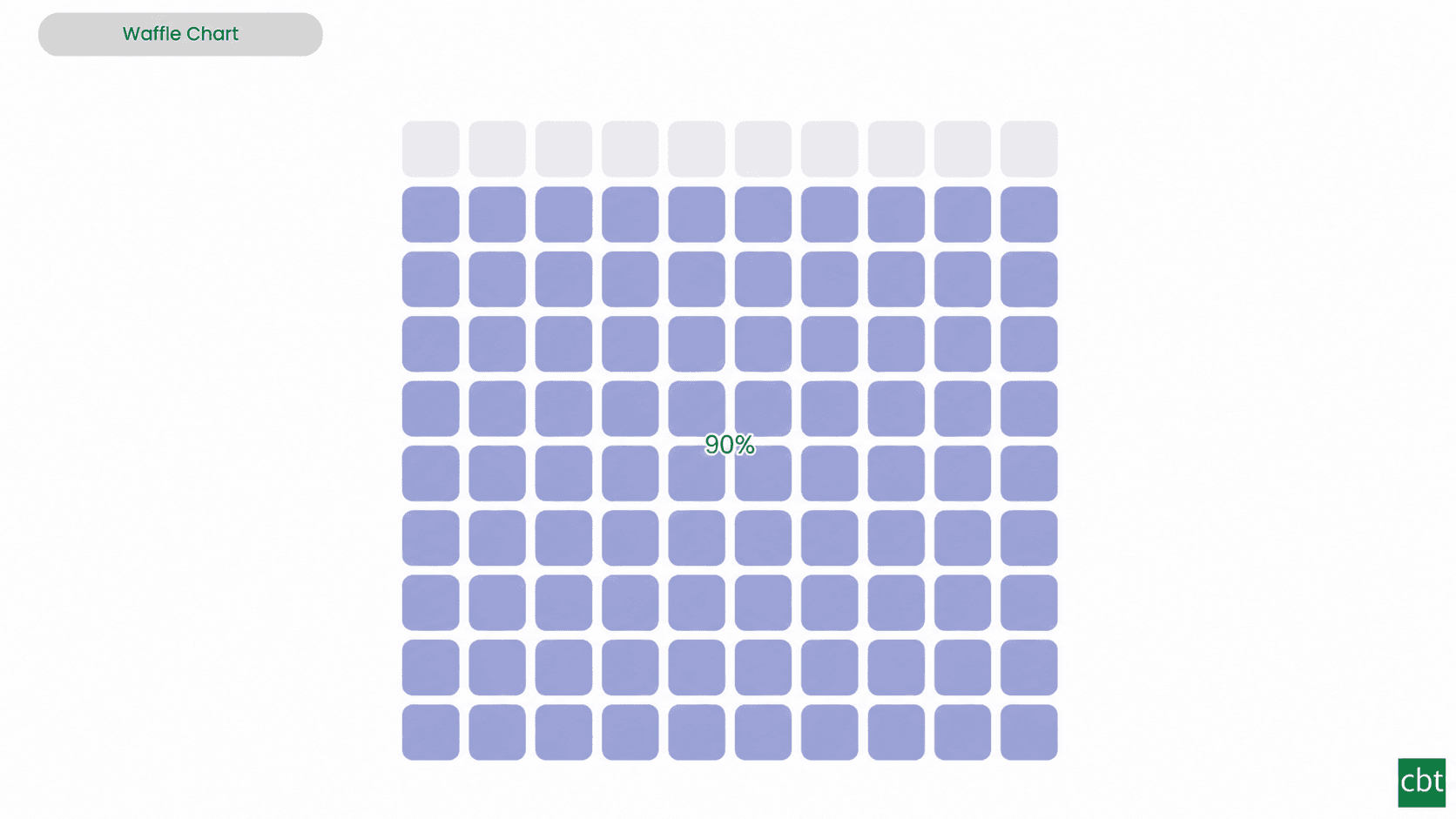
Waffle Chart
Show part-to-whole proportions, track progress toward targets, or break totals by category.
- ✓Configurable grid with 1–50 rows and columns, adjustable cell shape, gap, fill direction, and cell ordering
- ✓Two fill modes: Part-to-Whole for category breakdowns and Single Value for progress toward a target
- ✓Customizable category colours with base-colour fallback, theme palette support, remainder styling, and cell outlines
02Free · AppSource
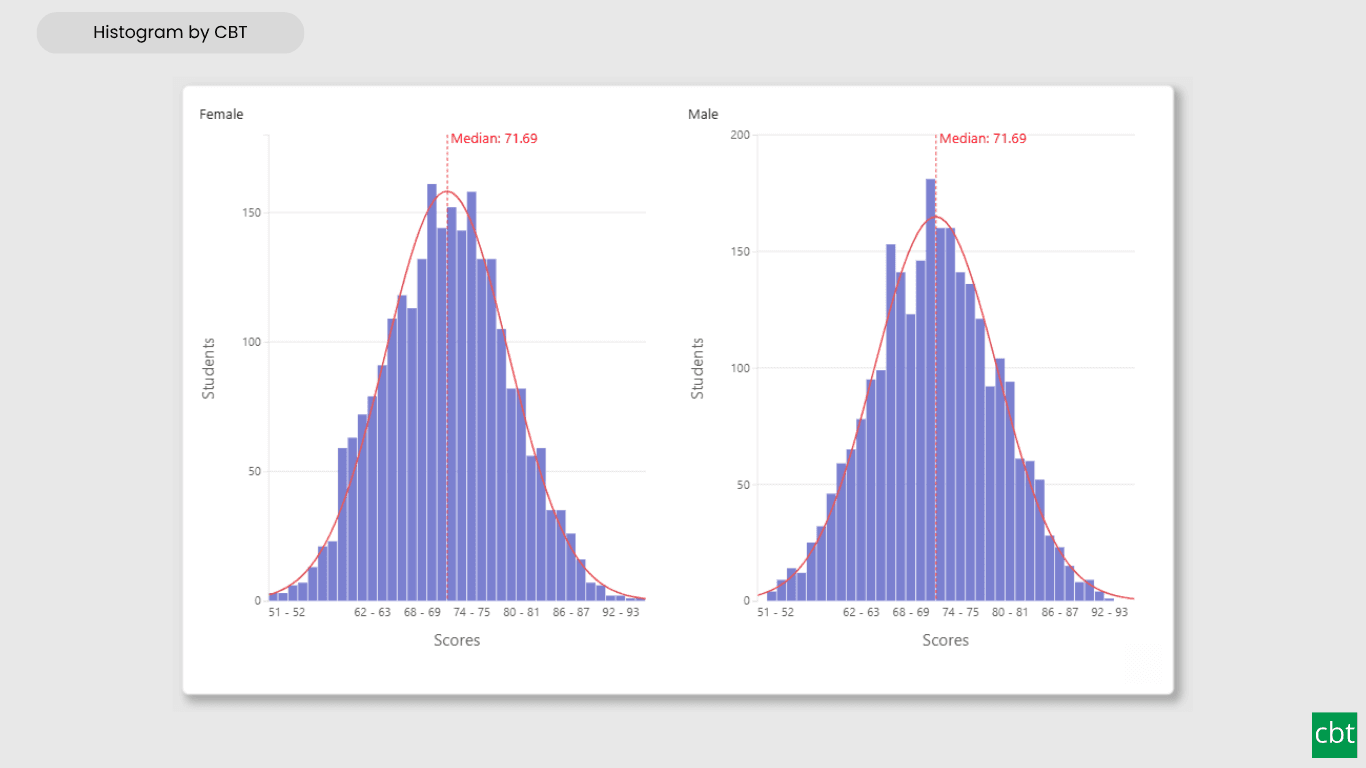
Histogram
Interactive histogram for visualizing the distribution of a continuous measure, with flexible binning, weighted bin heights, and built in statistical overlays.
- ✓Interactive histogram for visualizing measure distributions
- ✓Automatic, fixed count, fixed width, quantile, or custom binning
- ✓Standard deviation band and normal curve overlay
03Free · AppSource
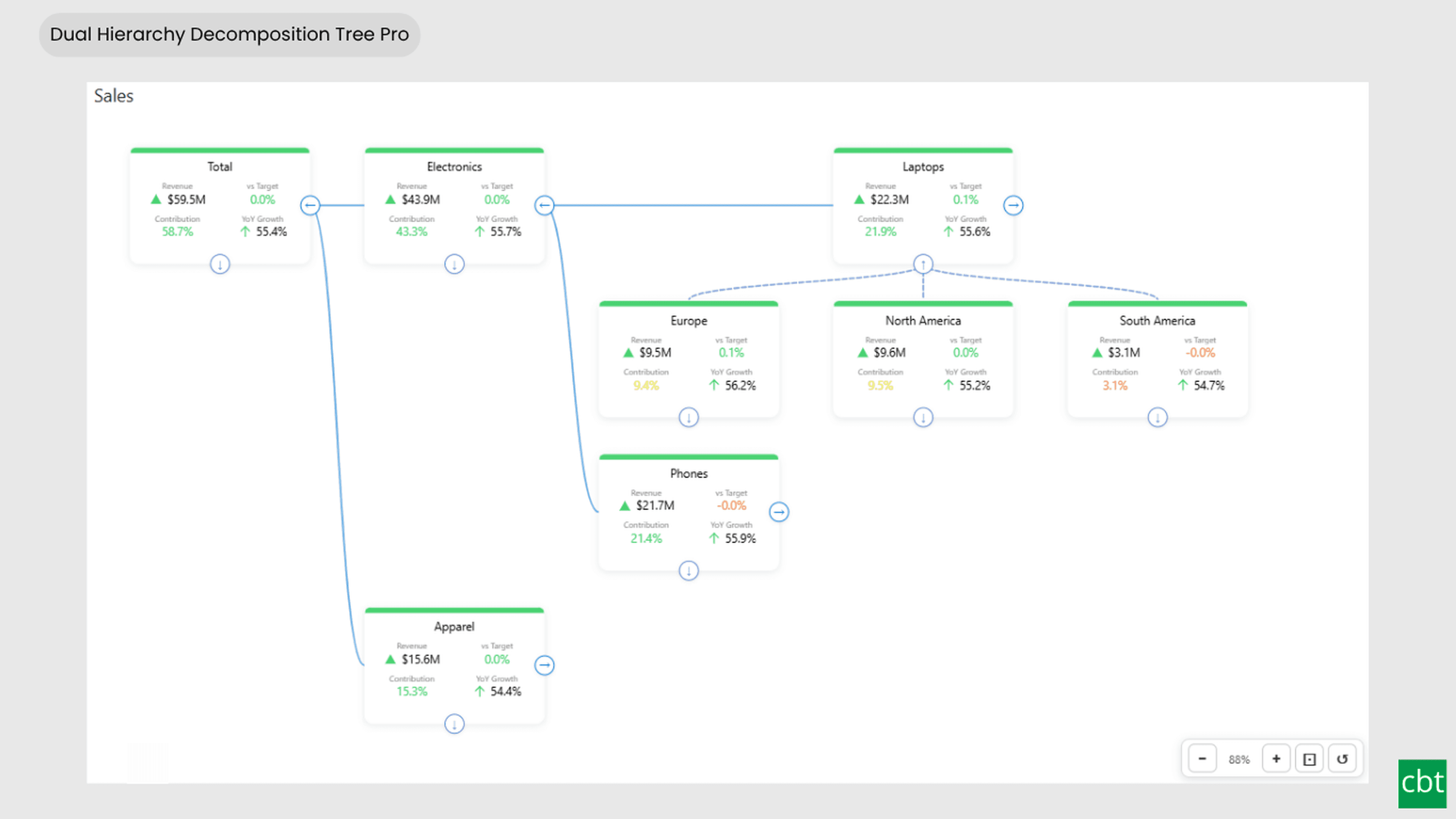
Dual Hierarchy Decomposition Tree Pro
DAX-driven KPI tree with dual-axis drill-down, per-KPI colors, icons, and Microsoft-certified Pro features.
- ✓Bi-directional tree layout with horizontal and vertical hierarchy axes
- ✓Up to 4 KPI measures displayed per card
- ✓DAX-driven status bar colors, dynamic font colors & dynamic icons
04Free · AppSource
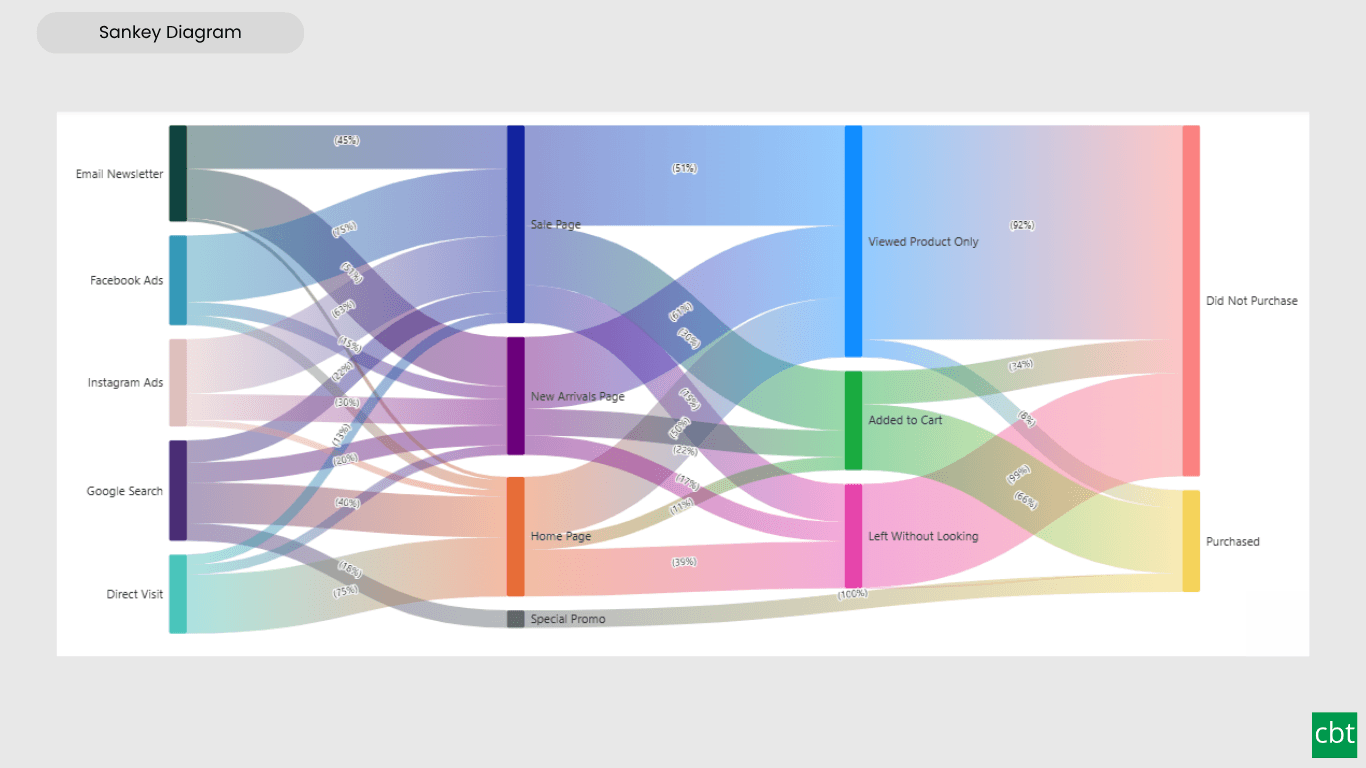
Advanced Sankey Diagram
Interactive Power BI Sankey diagram for visualizing multi-stage flow data, with automatic node-to-ribbon color gradients and rule-based conditional formatting.
- ✓Interactive Sankey diagram for multi-stage flow data
- ✓Node-driven gradient coloring, with manual per-flow color override
- ✓Conditional formatting for automatic, rule-based flow coloring
05Free · AppSource
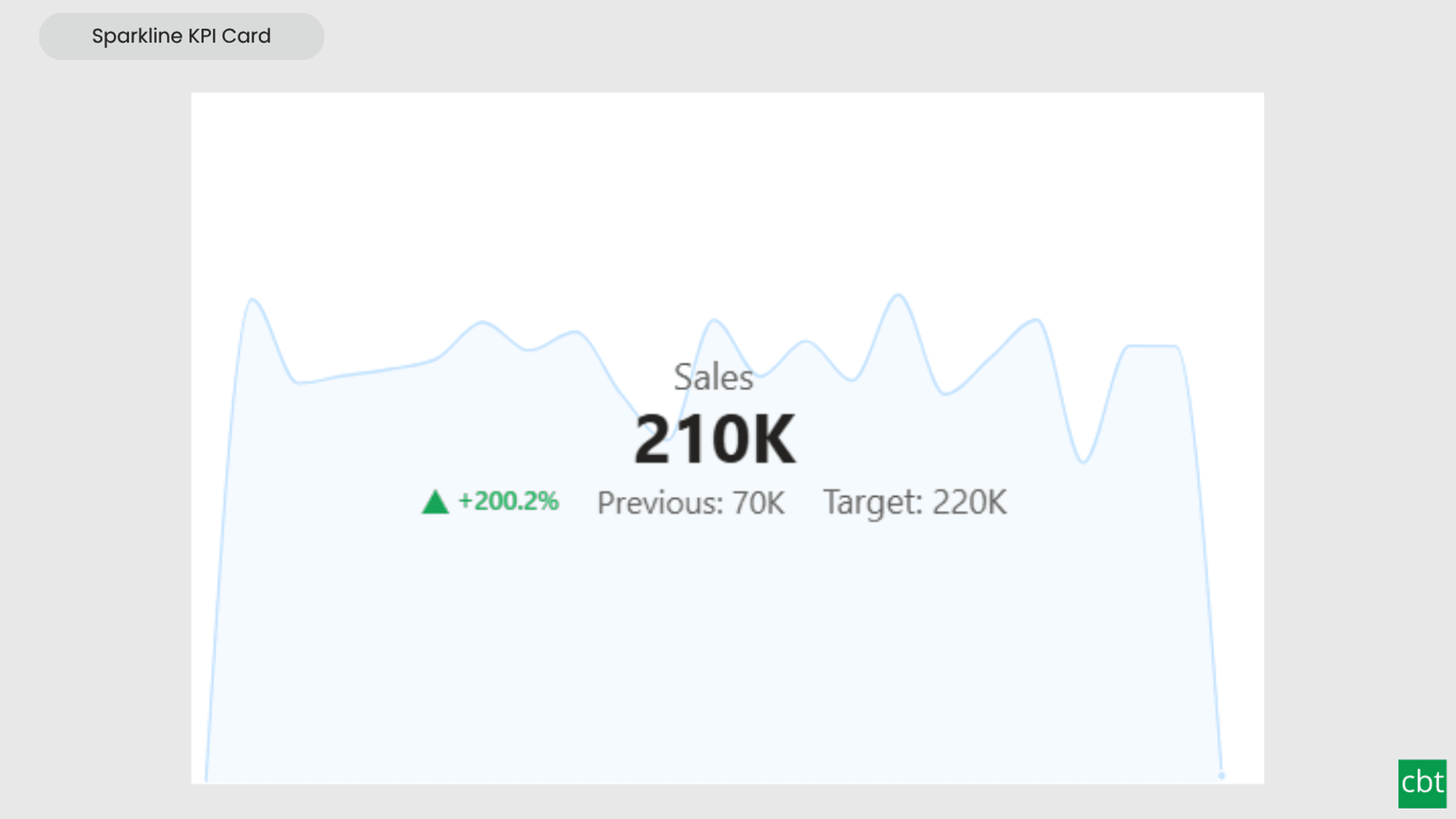
Sparkline KPI Card
KPI Card with Sparkline for Power BI that displays KPI values, previous period comparisons, targets, variance, trend indicators, and interactive sparklines in a compact, business-ready visual.
- ✓KPI Summary - Displays name, current, previous, target, variance, and trend indicator in one visual
- ✓Sparkline Trend - Visualizes KPI performance over time using configurable Line or Area sparklines
- ✓Flexible Formatting - Customizes fonts, colors, backgrounds, borders, and spacing
06Free · AppSource
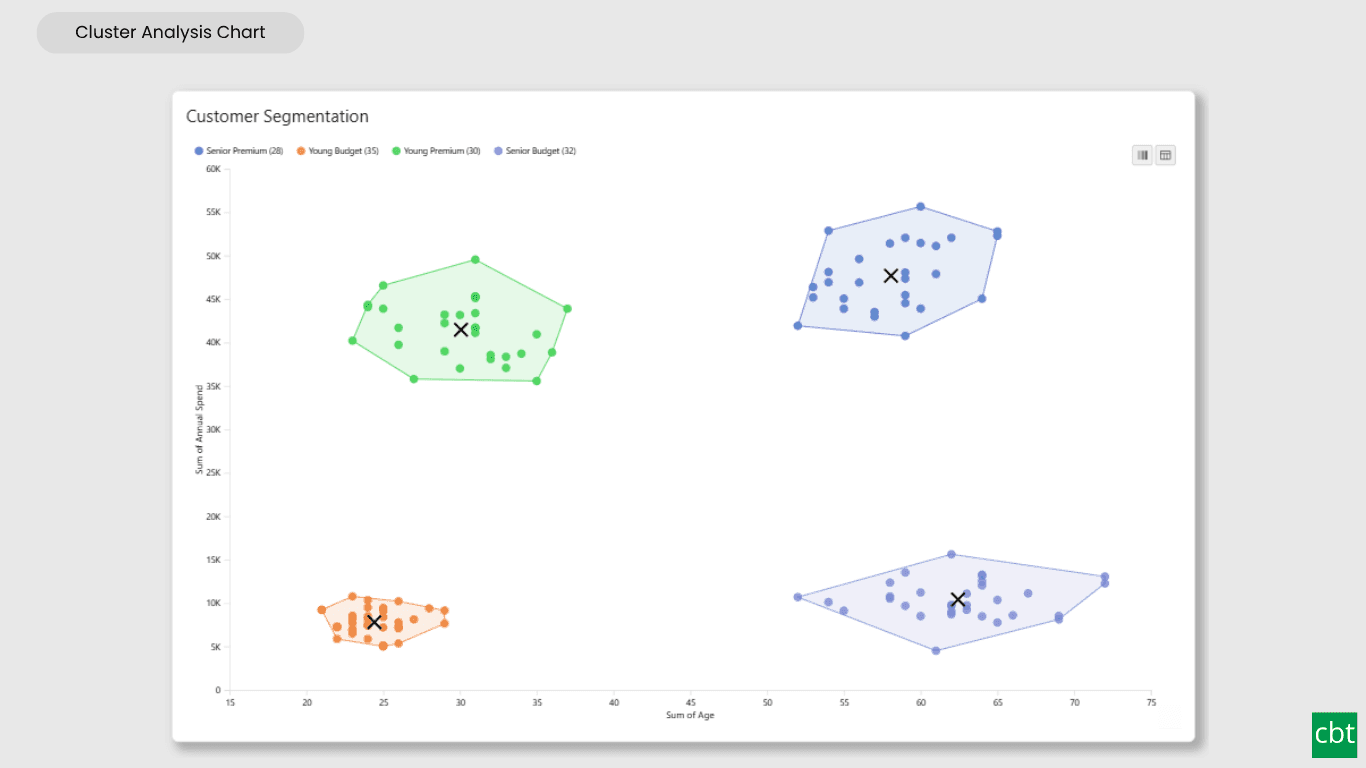
Cluster Analysis Chart
A scatter plot that groups points into clusters by similarity using K-Means, DBSCAN, or Hierarchical clustering. Shows centroids, hulls, ellipses, outliers, and dendrograms, with no R or Python.
- ✓K-Means, DBSCAN, and Hierarchical clustering
- ✓Automatic cluster count by elbow or silhouette
- ✓Dendrogram view with Ward, Single, Complete, and Average linkage
07Free · AppSource
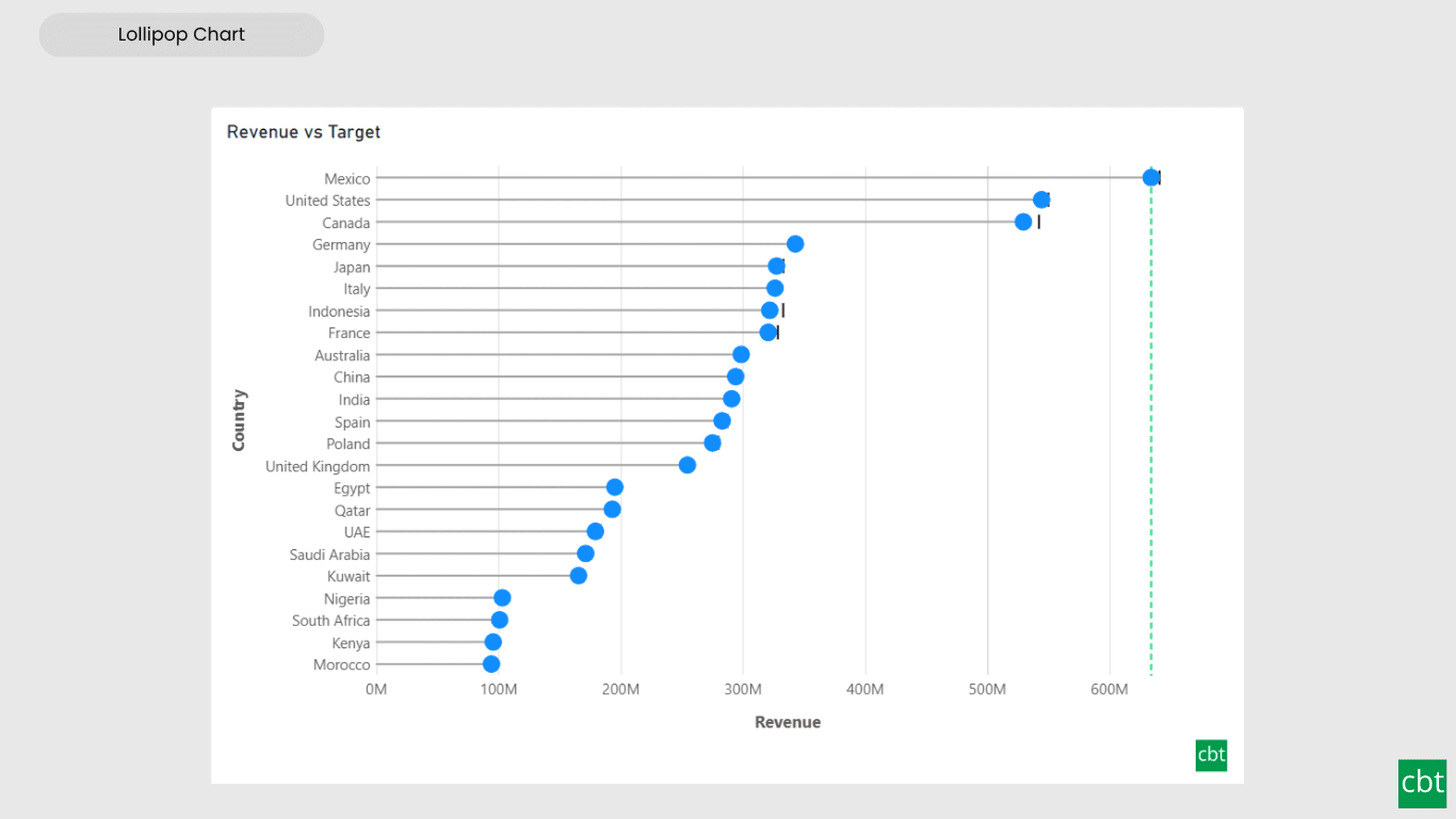
Lollipop Chart
Compare one value across many categories with clean stems and markers on a shared scale, and track each category against its target.
- ✓Displays one value for each category using a stem and marker, with horizontal or vertical orientation
- ✓Shows a target for each category and colours markers based on whether they are above, at, or below the target
- ✓Change labels with absolute, percentage, or combined display and optional up/down triangle indicators
08Free · AppSource
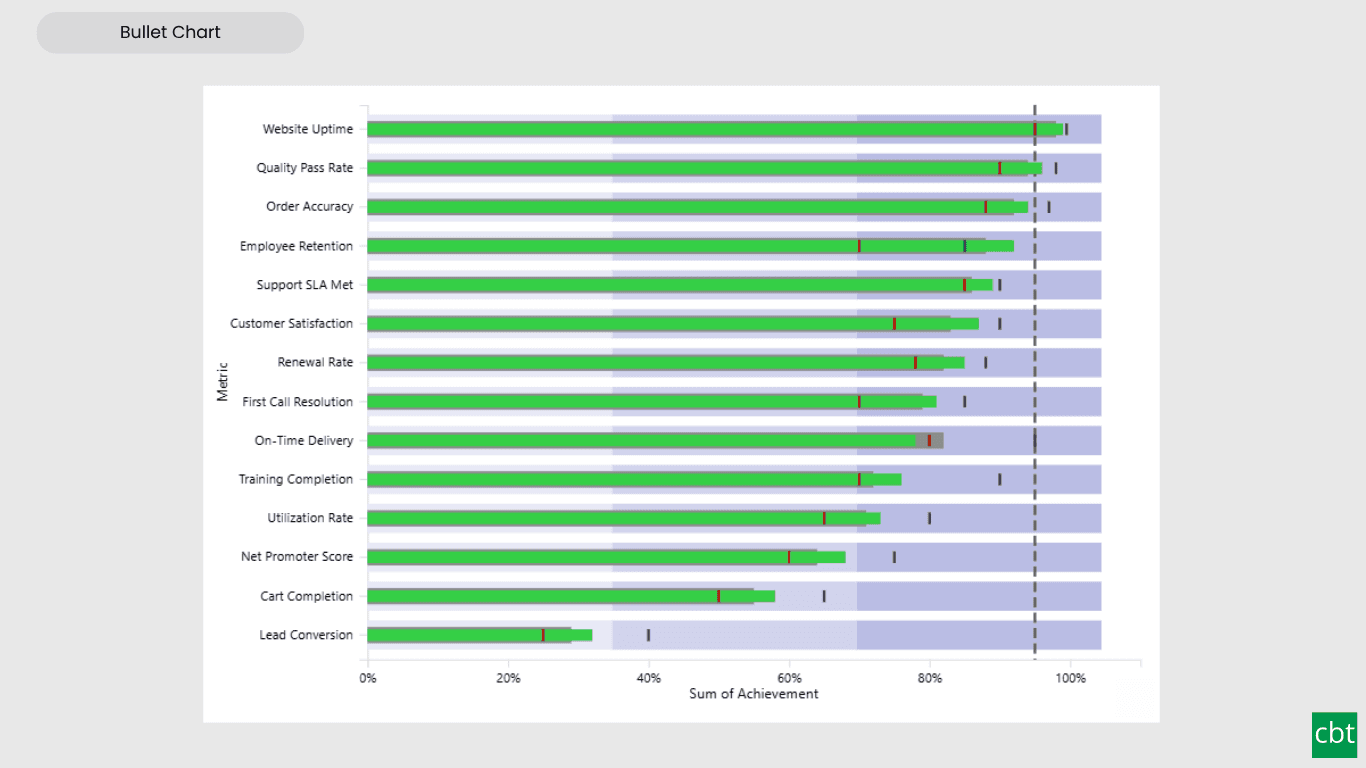
Bullet Chart
Compare performance against multiple targets with qualitative bands, variance, and small multiples.
- ✓Multiple target markers, each formatted by its real measure name
- ✓Comparative series bar for period-over-period context
- ✓Variance analysis (absolute, percent, or both) against any target or comparative
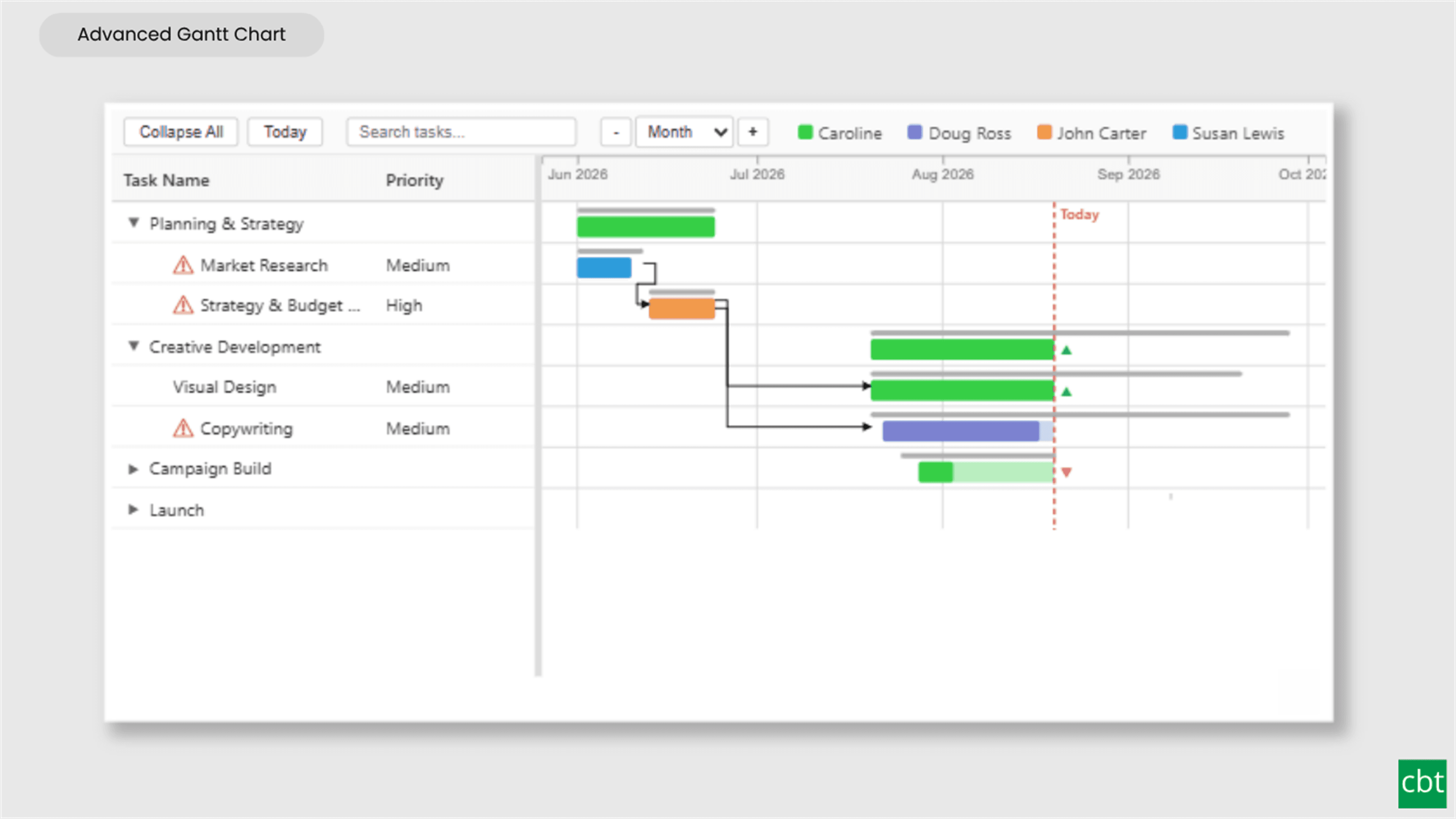
09Free · AppSource
Advanced Gantt Chart
Interactive Gantt chart for visualizing hierarchical project schedules, with automatic parent task rollups, dual baseline and actual timeline bars, and rule-based conditional formatting.
- ✓Interactive Gantt chart for hierarchical project schedules
- ✓Automatic parent task rollups, computed live from child tasks
- ✓Dual baseline and actual timeline bars with progress fill
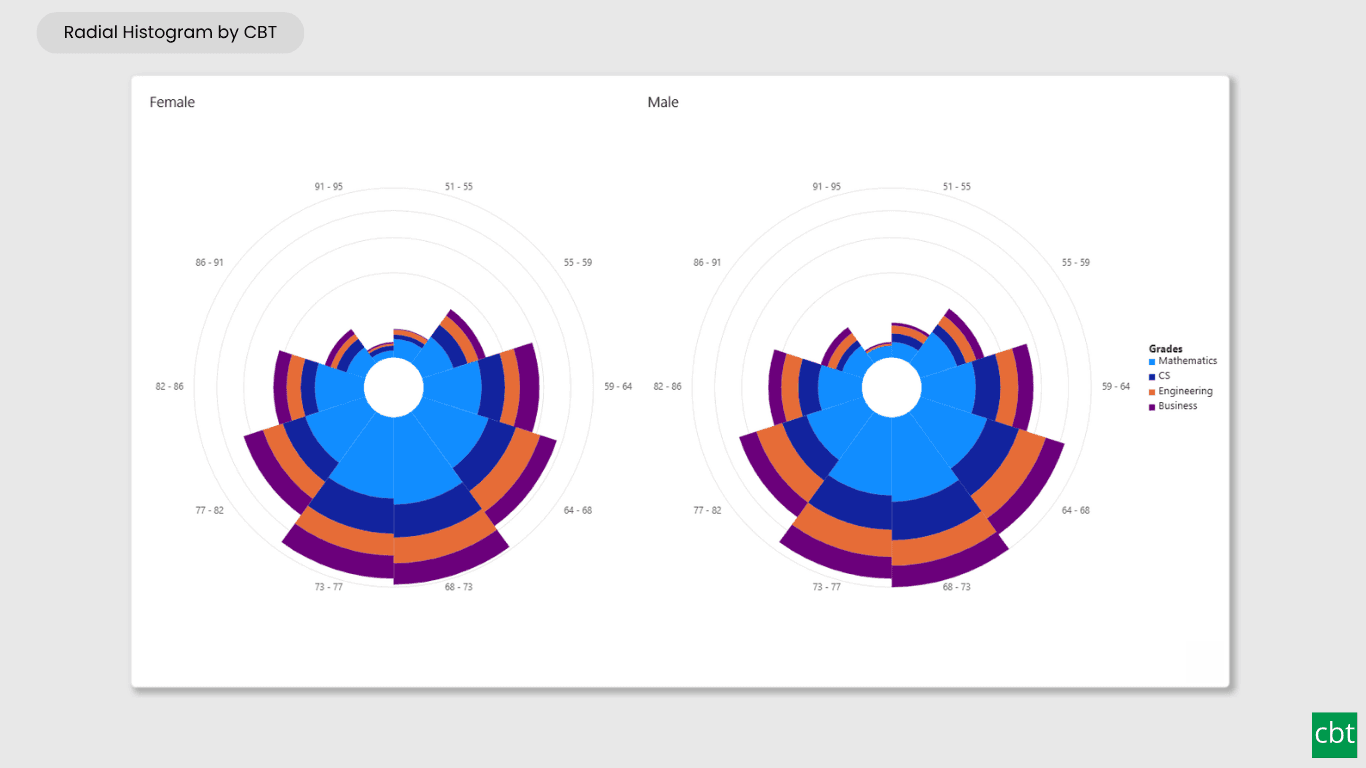
10Free · AppSource
Radial Histogram
Interactive radial histogram, wedges radiating from a center point, area-correct by default.
- ✓Interactive radial histogram, wedges radiating from a center point instead of bars
- ✓Area-correct (square root) radius scaling by default, with linear scaling as an opt-in
- ✓Automatic, fixed count, fixed width, quantile, or custom binning
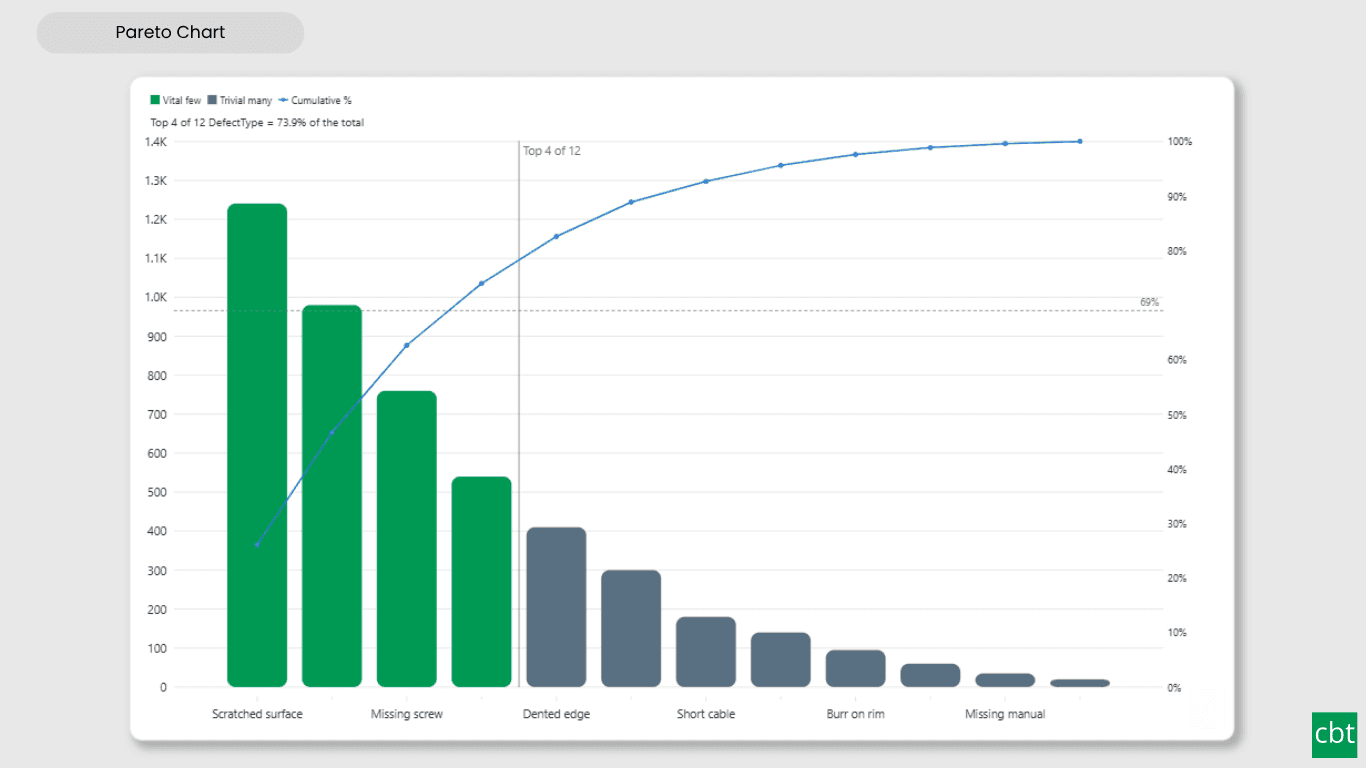
11Free · AppSource
Pareto Chart
Sort causes largest first, accumulate them, and mark the vital few that reach your threshold.
- ✓Bars sorted largest first, with a computed cumulative percentage line
- ✓Adjustable threshold, not fixed at 80 percent
- ✓Cut line marking where the cumulative line crosses the threshold
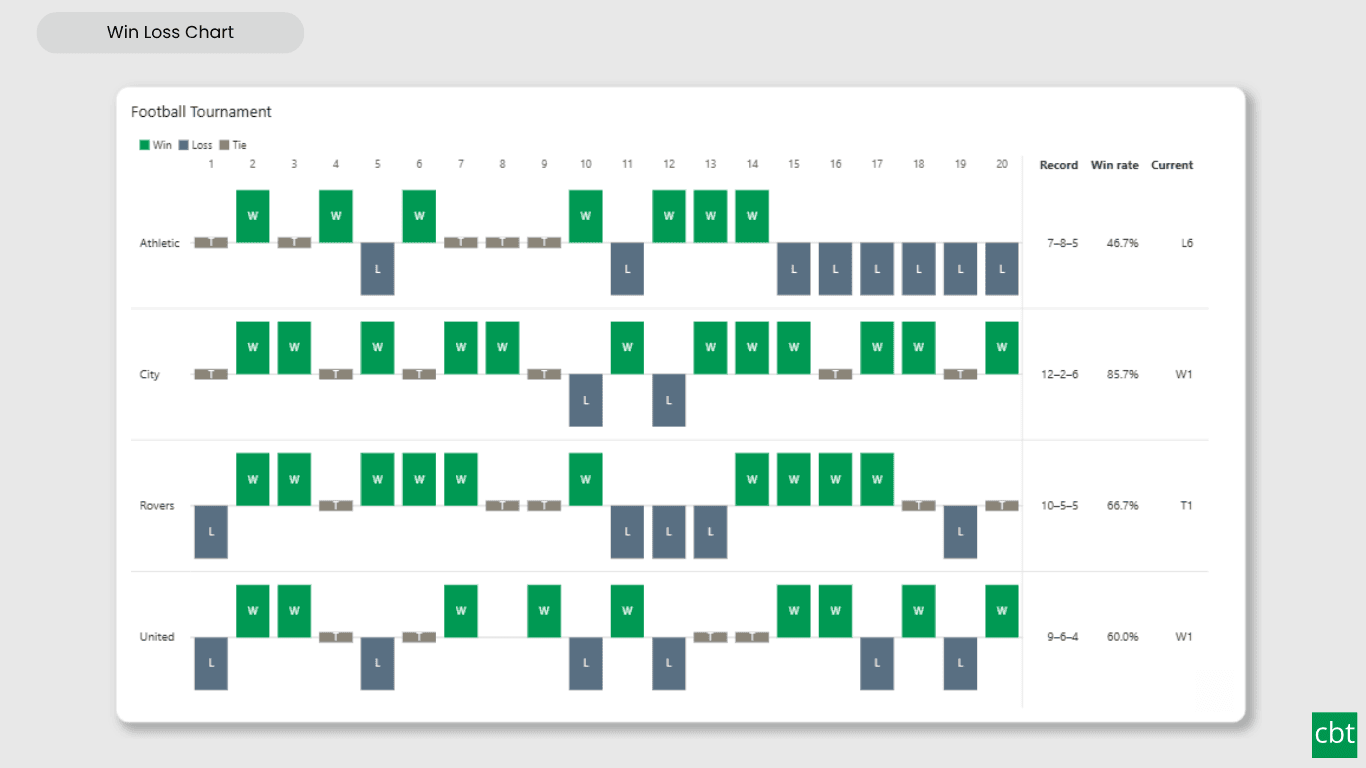
12Free · AppSource
Win Loss Chart
A win/loss sparkline for Power BI. Each period is one equal-sized mark above or below a baseline, so streaks and form are visible at a glance across many rows at once.
- ✓Win, loss and tie marks on a shared baseline, with gaps for missing periods
- ✓Outcome by sign, by target measure, or by fixed threshold
- ✓Tie tolerance and a lower-is-better switch
13Free · AppSource
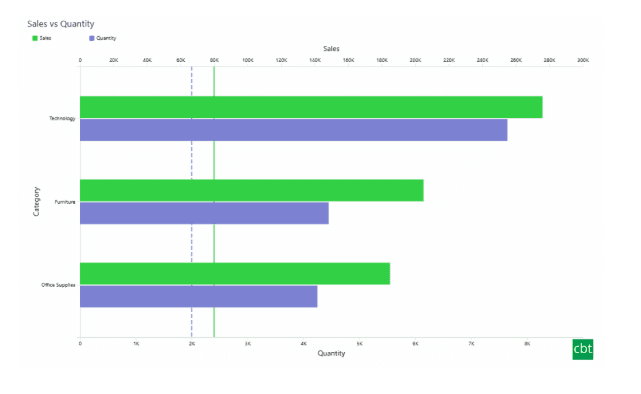
Dual Axis Bar & Column Chart
Plot two measures on independent scales without dropping in a separate combo chart.
- ✓Independent left & right axes
- ✓Small multiples + conditional colours
- ✓Native cross-filtering & drill-down
14Free · AppSource
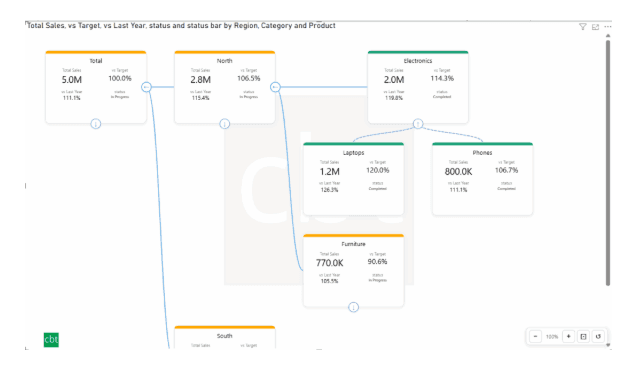
Dual Hierarchy Decomposition Tree
Up to four KPIs per card across two hierarchy axes, with DAX-driven status colours.
- ✓Two-axis hierarchy, multi-level drill
- ✓Up to 4 measures per card
- ✓DAX-driven traffic-light status
15Free · AppSource
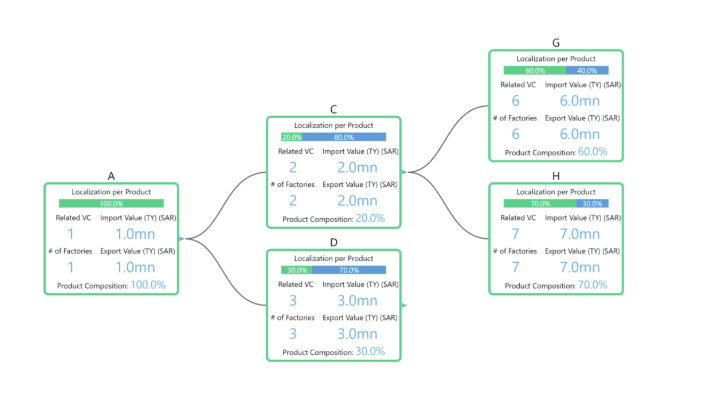
Multi KPI Decomposition Tree
Decompose up to five measures per node, with stacked bars on every branch.
- ✓Up to 5 measures per node
- ✓Stacked bars at each level
- ✓Expand / collapse hierarchies in place
16Free · AppSource
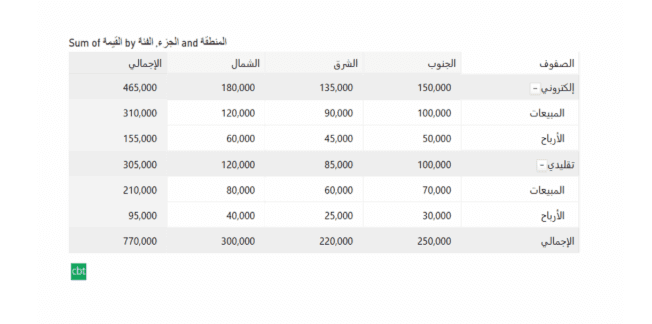
Arabic Matrix Table
Right-to-left matrix with Arabic labels, hierarchical rows, subtotals and grand totals.
- ✓Native RTL layout & numerals
- ✓Multi-level row & column hierarchies
- ✓Subtotals + grand totals
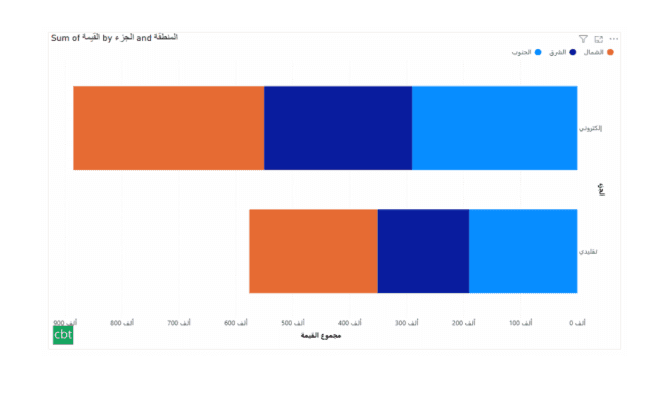
17Free · AppSource
Arabic Stacked Bar Chart
RTL-native stacked bars with Arabic number units, small multiples and cross-filtering.
- ✓RTL axis & data labels
- ✓Arabic number units
- ✓Small multiples + cross-filtering
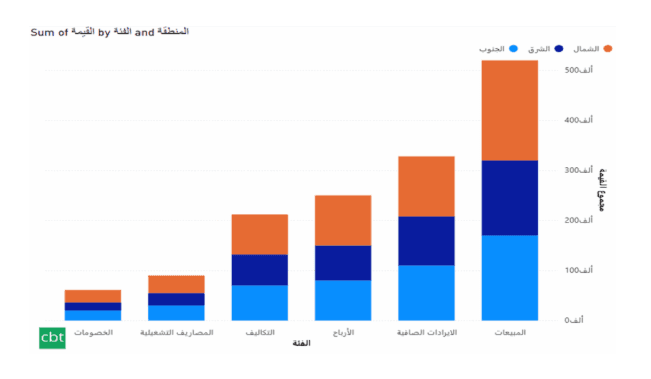
18Free · AppSource
Arabic Stacked Column Chart
RTL-native stacked columns matched to the Arabic Bar visual for consistent dashboards.
- ✓RTL axis & data labels
- ✓Visual parity with the Bar variant
- ✓Small multiples + cross-filtering
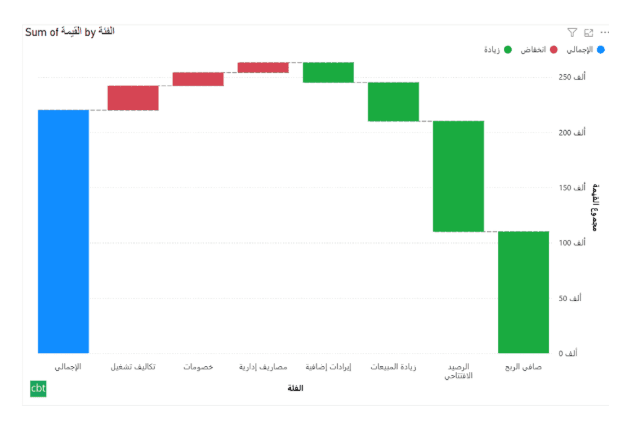
19Free · AppSource
Arabic Waterfall Chart
Sequential value walk for Arabic dashboards — variance, build-up and bridge analyses.
- ✓RTL value walk
- ✓Custom positive / negative / total colours
- ✓Tooltip & cross-filter support
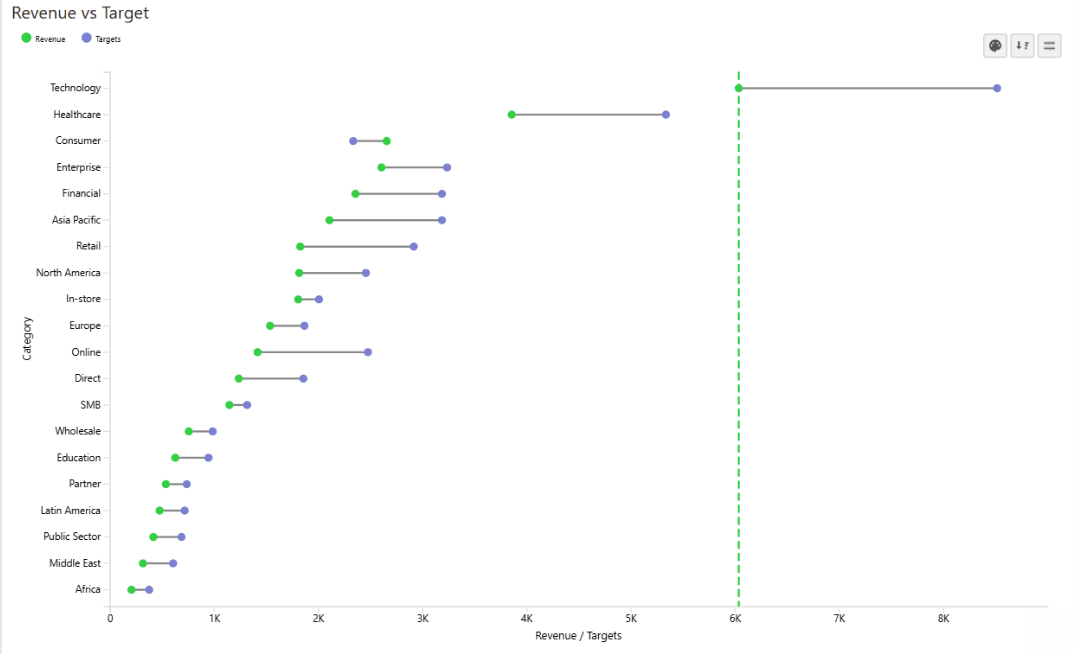
20Free · AppSource
Dumbbell Chart
Two markers per category on a shared scale, connected by a line that makes the gap immediately visible.
- ✓Two markers + connecting gap line per category
- ✓Currency / % aware labels with directional triangles
- ✓Conditional colours, reference bands & small multiples
21Free · AppSource
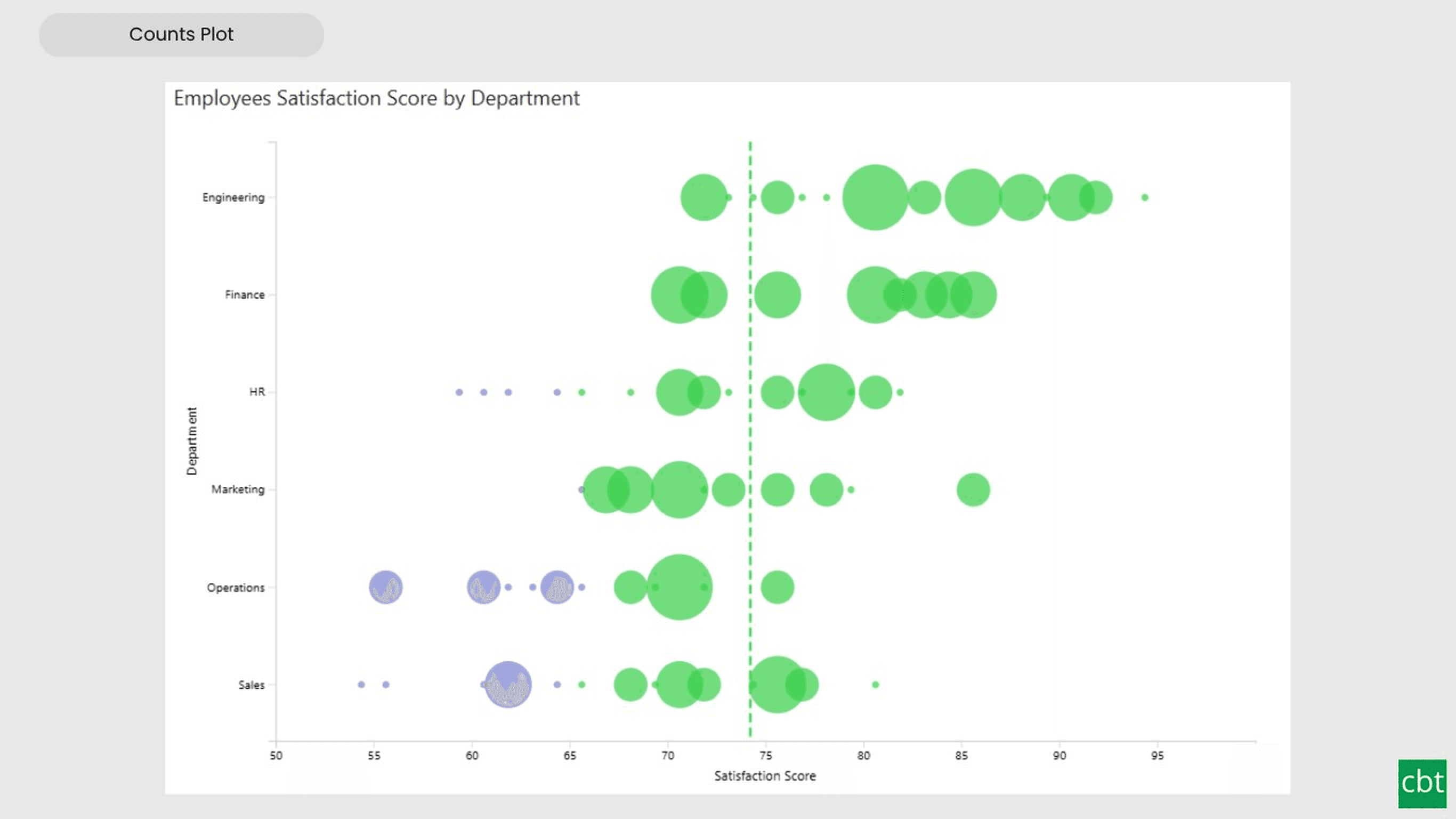
Counts Plot
Visualise data distribution with dots scaled by frequency across category lanes.
- ✓Dots scaled to frequency with auto or manual binning
- ✓Category swim lanes for side-by-side comparison
- ✓Conditional colours, reference bands & small multiples
22Free · AppSource
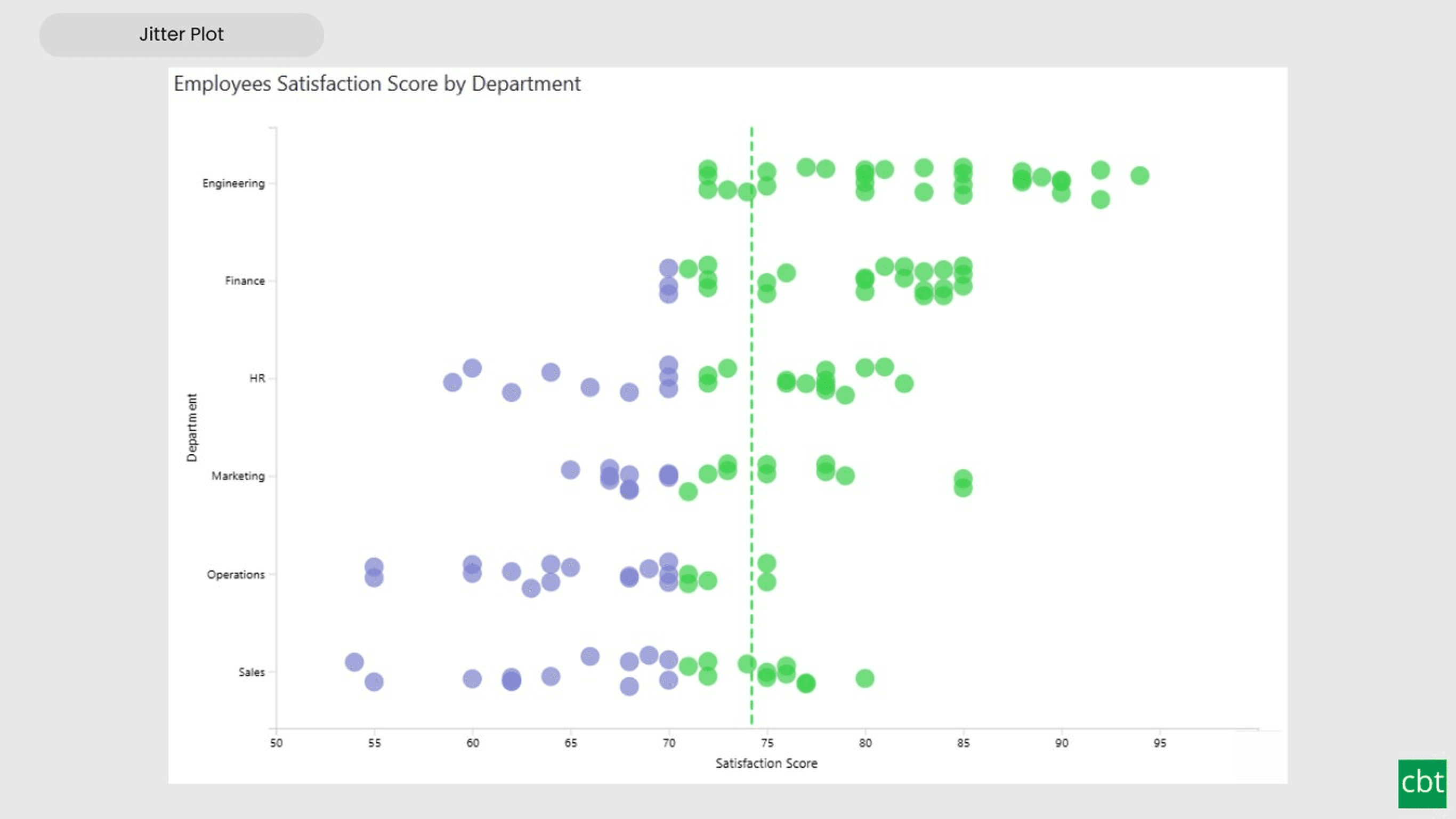
Jitter Plot
Show every data point with jitter or beeswarm layout for distribution analysis.
- ✓Every observation as an individual dot per lane
- ✓Jitter and beeswarm layout modes
- ✓Conditional colours, reference bands & small multiples
23Free · AppSource
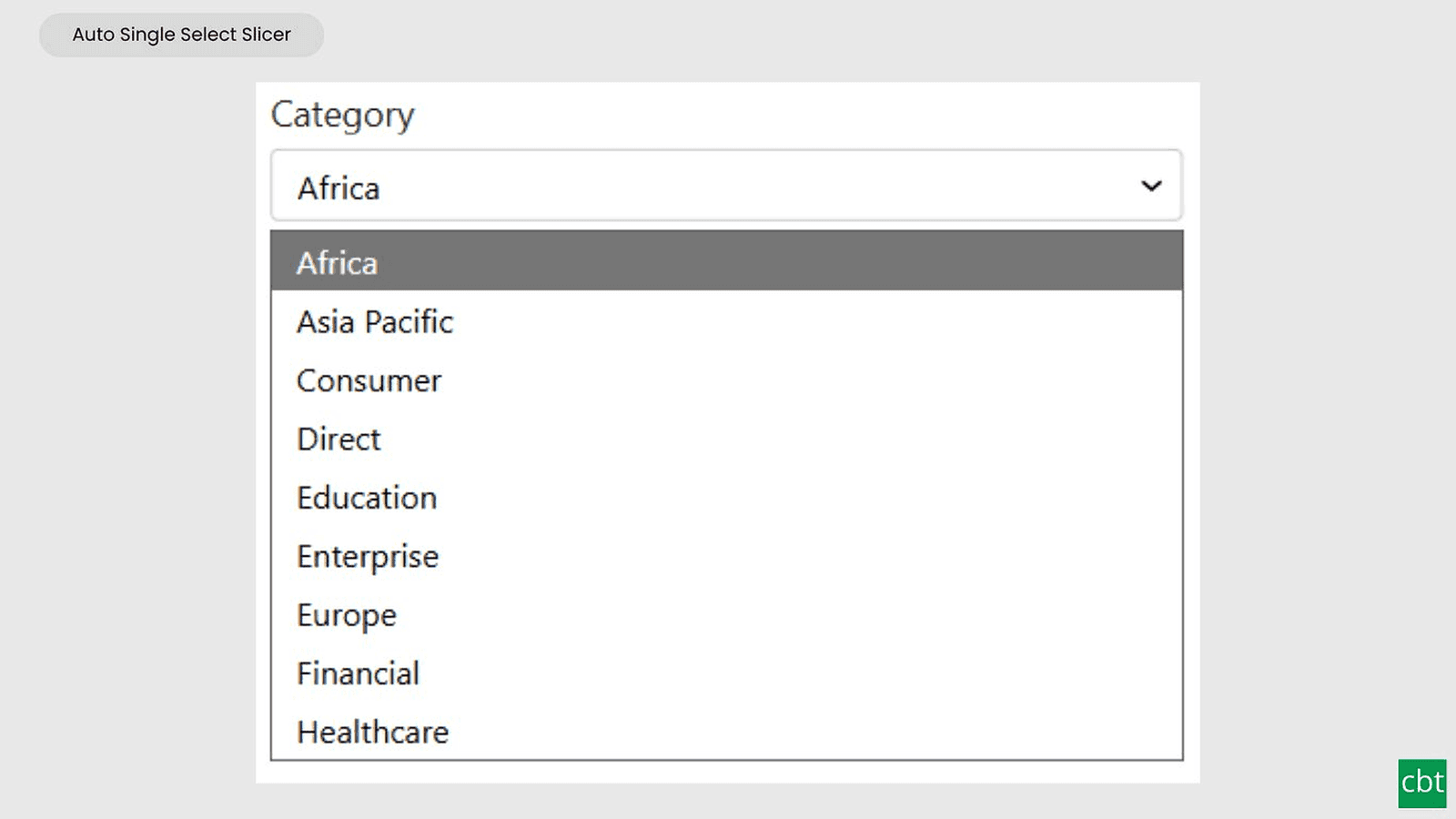
Auto Single Select Slicer
Smart Power BI slicer with automatic first-value selection — reports never load with an empty filter.
- ✓Auto-selects the first value on load
- ✓Compact dropdown, single-select only
- ✓Selection persists through filter updates
24Free · AppSource
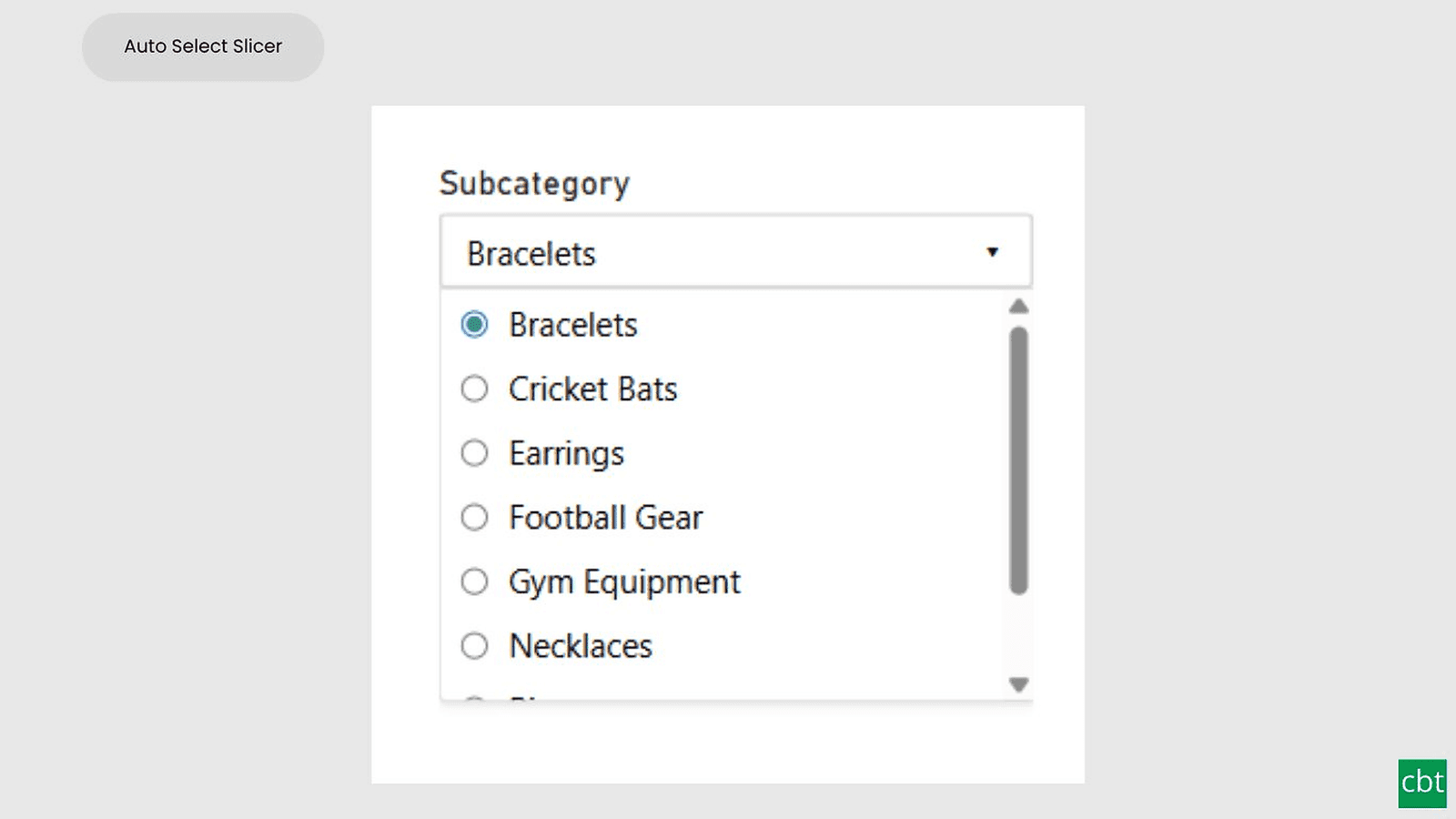
AutoSelect Slicer
Smart Power BI slicer with automatic selection across single-select and multi-select scenarios.
- ✓Auto-select first value or all values on load
- ✓Dropdown, List, and Tile layouts
- ✓Single and multi-select with Select All